Virtual Tattoo Try-On: Preview Designs on Your Own Photo
Upload a photo of your arm, leg, back, or collarbone to position, scale, and rotate a tattoo design. See how its size and placement look before you discuss it with an artist.
Set Up Your Virtual Try-On
Preview how your tattoo looks and fits on real skin.
Choose a Tattoo Design
No tattoo selected yet
Choose a Body Photo
No body photo selected
Your uploaded photos remain strictly private and encrypted.
Sample Inputs
Live 3D Adjustment Demo

HOW IT WORKS
Try On Any Tattoo in 3 Simple Steps
Combine a tattoo design with your own photo to create an interactive, adjustable preview.
01
Pick Your Tattoo Artwork
Upload your own design image or pull a saved creation straight from My Designs.
02
Select a Body Photo
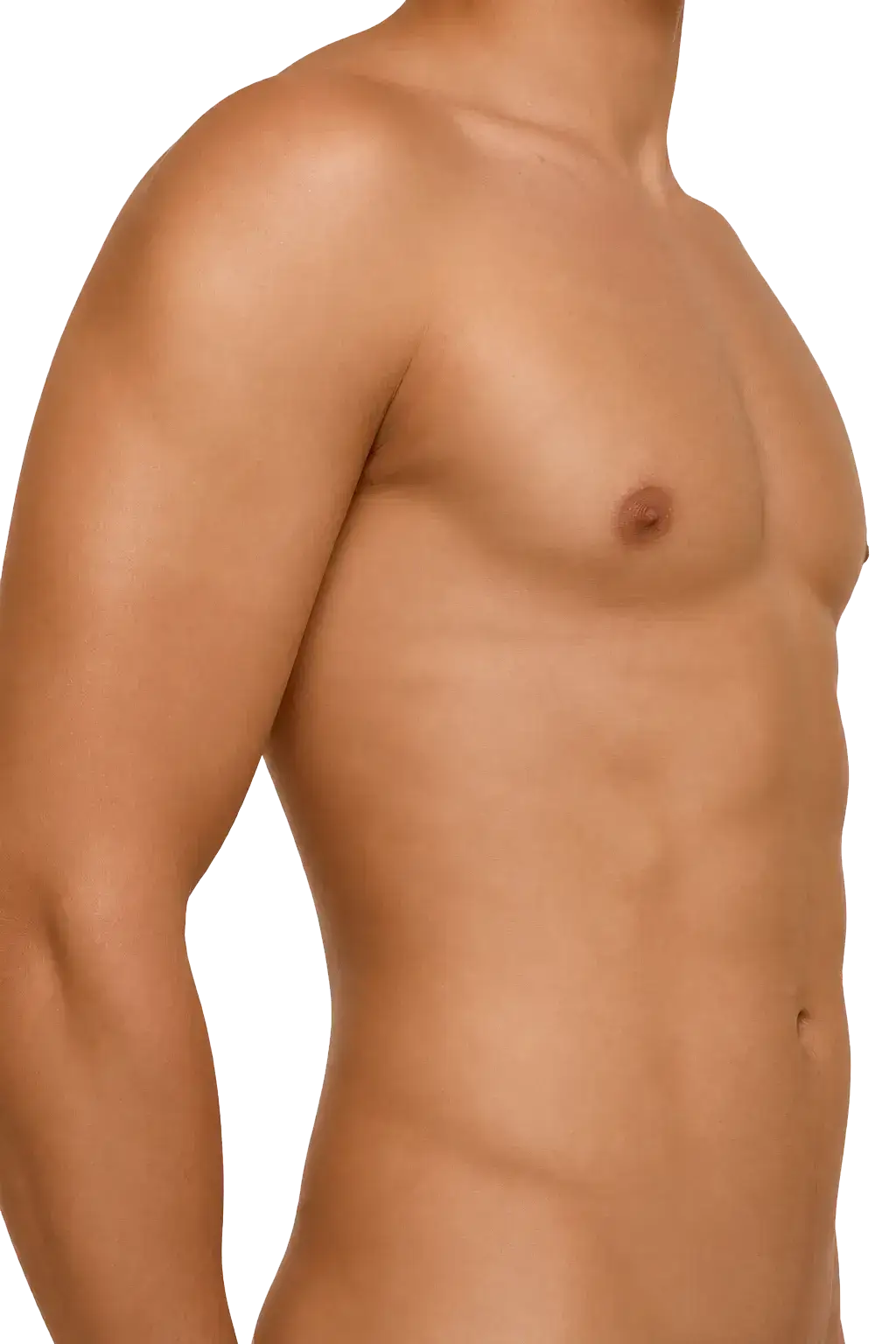
Upload a clear photo of your arm, leg, back, or chest, or start with our built-in body templates.
03
Adjust & Blend in Real Time
Move, scale, rotate, and fine-tune skin blending until the placement and proportions feel right.
BEFORE YOU START